
Contribute to Quodat

Contribute to Quodat

Fix a date, add a source or a summary on an existing page, or publish your own releases. Every correction updates the calendars of everyone following that release.

No account yet? Sign up

Before you start

Two ways to contribute.

Fix a page that already exists, or publish a release nobody has added yet: either way, you keep the reference culture hub alive and help the community access information that is reliable, clear and complete.

Fix a page

Fix a page in 30 seconds

You have nothing to create: the catalogue already holds the page, it is only missing something you know. A date for your country, an official source, a summary, a detail.

  1. Find a page to complete

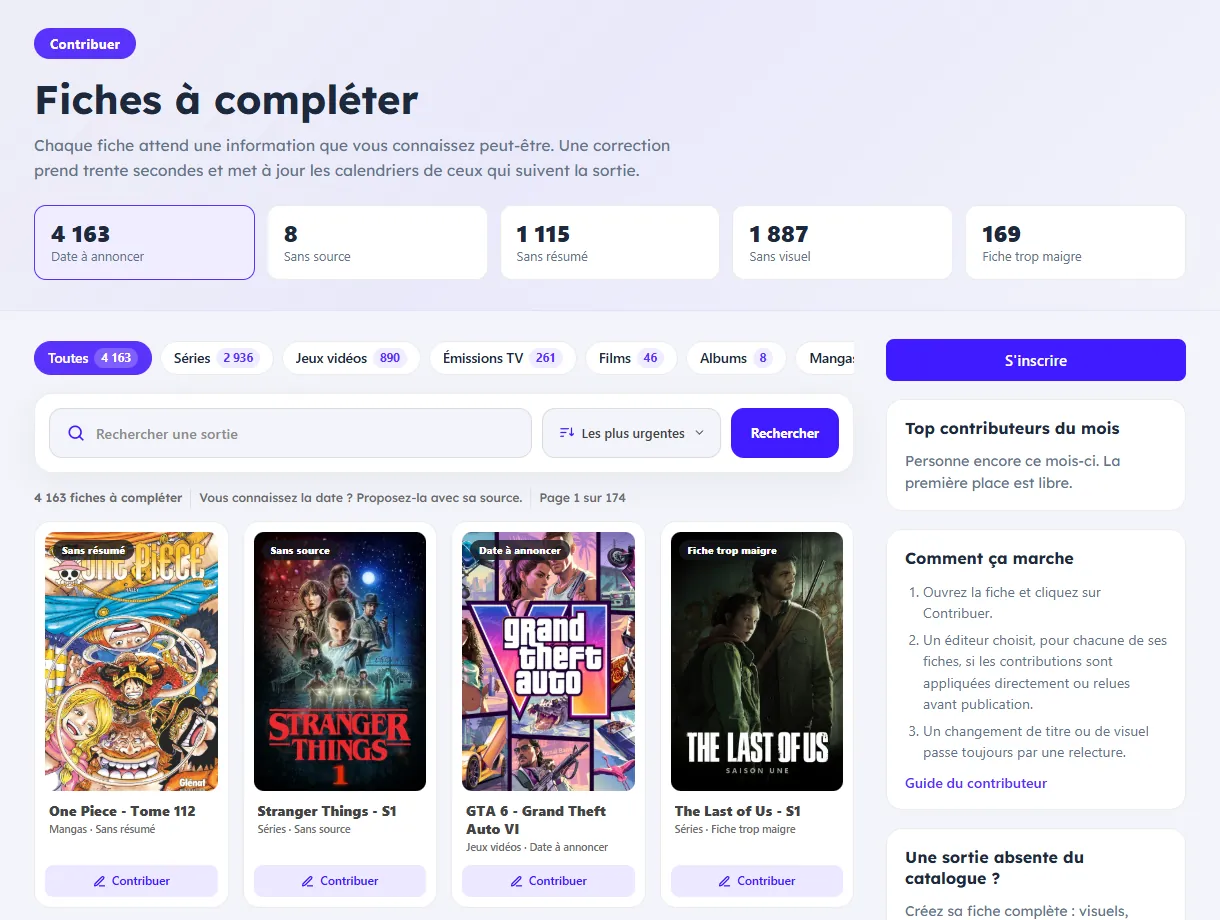
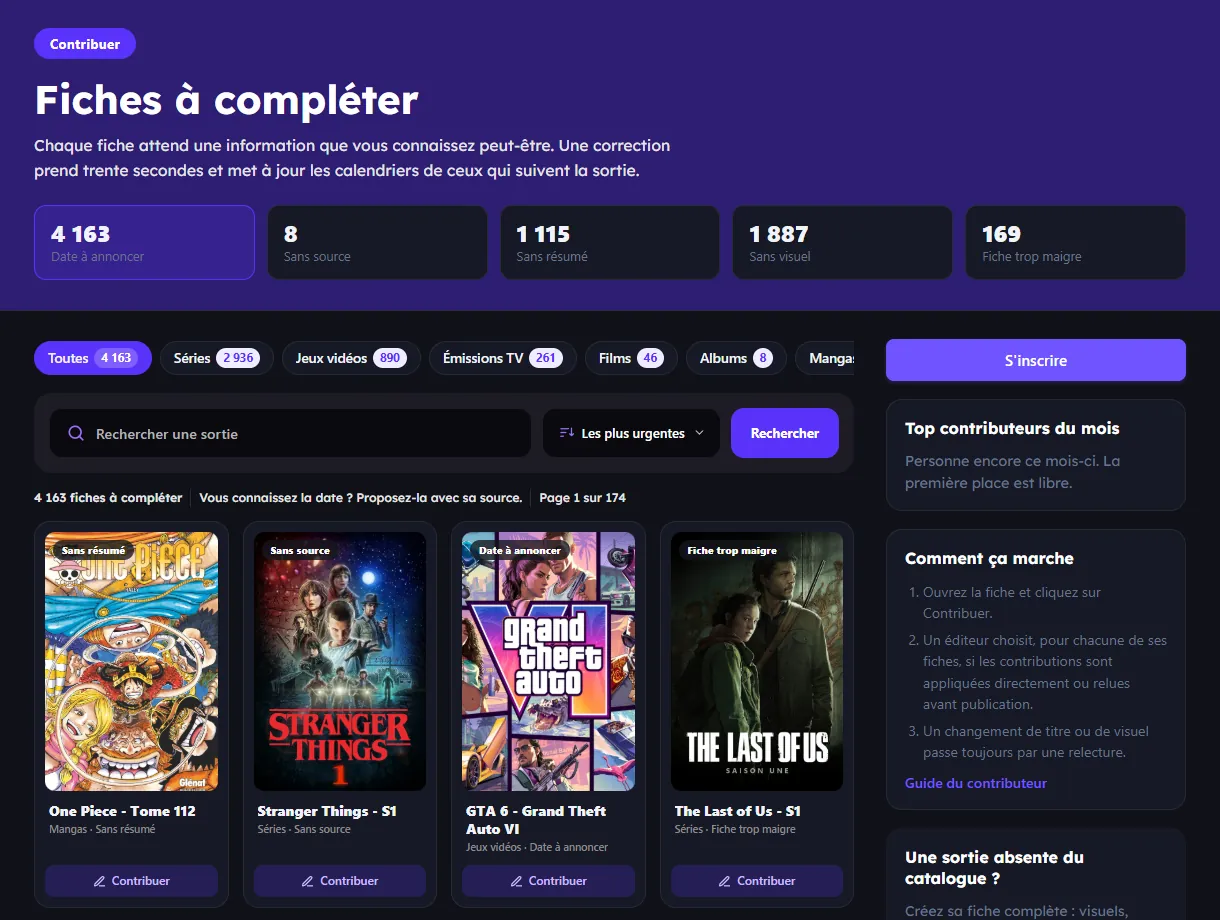
    The Pages to complete page lists what is missing by category and interest: dates to be announced, releases with no date for your country, no source, no summary. You can also start from any page you know.

  2. Click Contribute

    On the page, each section has its own button: dates and platforms, sources, description and details. Choose what you are fixing, add the source of your information, submit. You need to be logged in, and signing in with Google or Facebook takes ten seconds.

  3. Follow your submission

    Depending on the mode chosen by the publisher of the page, your contribution is published directly or reviewed before publication. A change of title or artwork always goes through review. You are notified by notification and by email in every case.
On every page

The contribution space

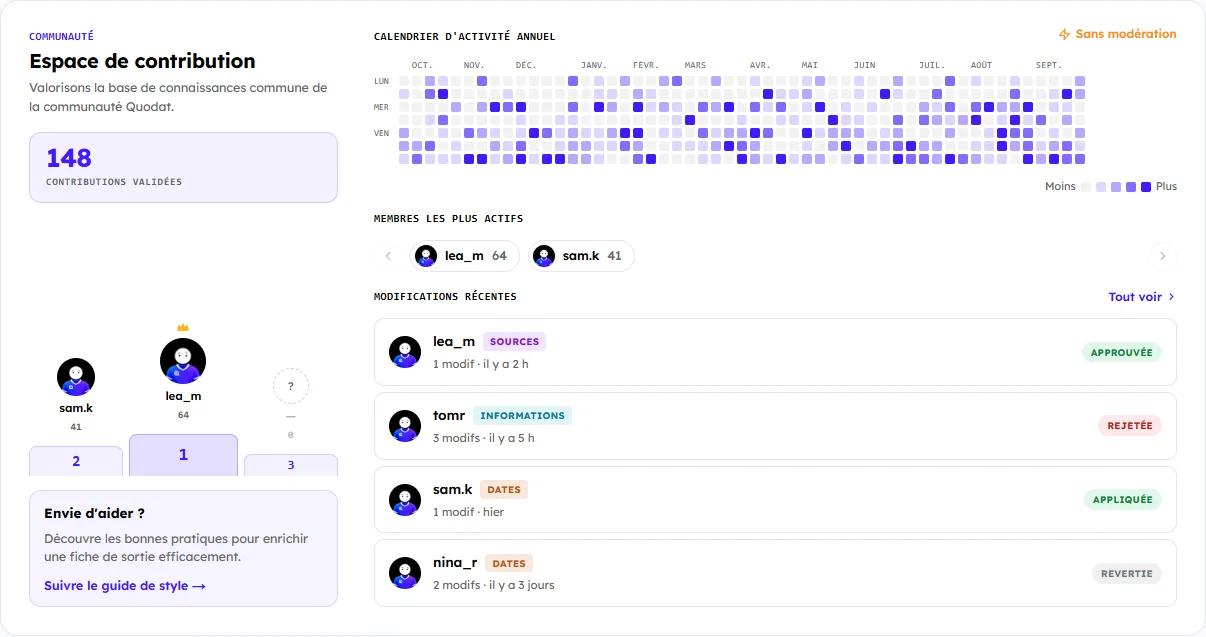
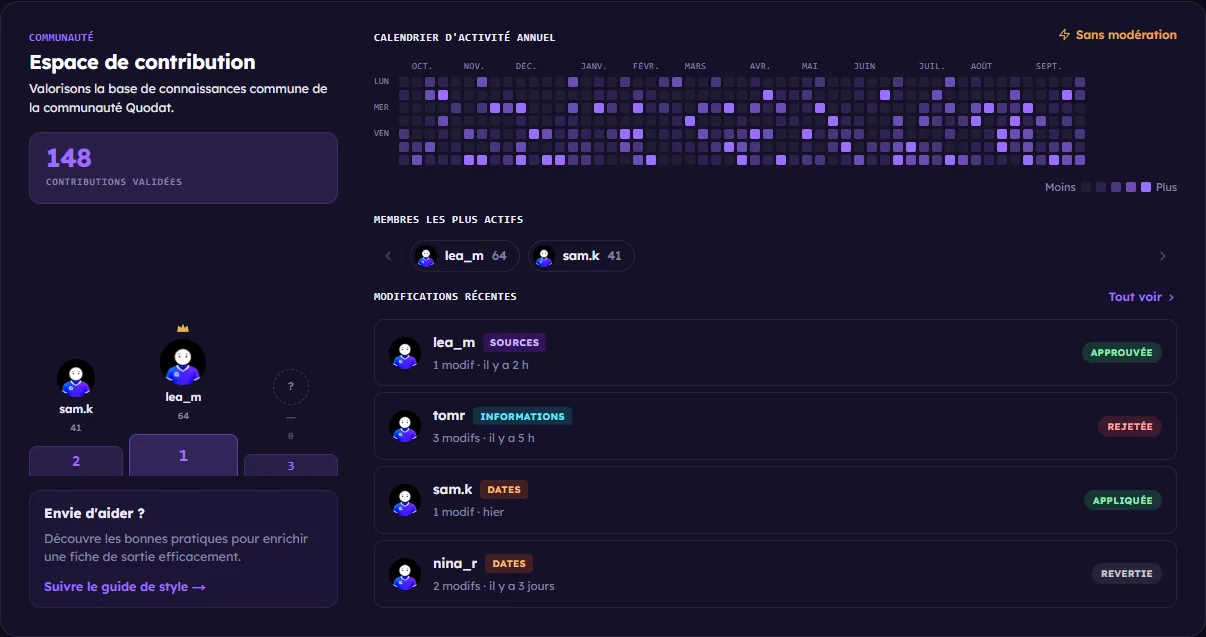
At the bottom of every release page, the contribution space shows the community’s activity: yearly calendar, most active members and change history.

  • Open to every registered user — no special status is required to contribute, the publisher only needs to have enabled open contributions on their release.
  • Flexible validation — the publisher decides whether contributions are published automatically or submitted for manual approval.
  • Full traceability — every change is recorded, attributed and reversible. The publisher stays in control at all times.
See a contribution space
Contribution space of a release page, with its activity calendar Contribution space of a release page, with its activity calendar

What you can enrich

Title or description Suggest a correction or an improvement to the title, the description or the key information of the release.
Artwork Suggest a better thumbnail, an updated banner or an image that represents the release better.
Sources and platforms Add a missing purchase link, an official trailer, or a more reliable source for existing information.
Contributor tutorial

How to publish a release properly

Add a release in a few minutes: categories, artwork, information, release dates by country and purchase or streaming platforms.

  1. Log in

    Create an account or log in. Your profile will be shown as the publisher of the release.

  2. Add a release

    Click "Add a release" in the navigation bar, or go through the menu of Quodat Studio.

  3. Category

    Choose the category your release belongs to. This targets the right audience and unlocks more specific information fields.

  4. Title

    Enter the title of the work or the event, without time wording such as "soon" — Quodat takes care of that. Avoid duplicates, and use recurrences for episodes.

  5. Information and artwork

    Add a poster image and a banner image, write a description, and fill in the information related to your category.

  6. Dates and format

    Add the dates by country. Choose the precision: to the hour, the day, the month, the season or the year. If you do not have a date yet, choose "Coming soon".

  7. Purchase platforms

    Add the links to the various purchase or streaming platforms, and the action for the button (Book, read, listen, etc.). Say whether the link is official, and add a note if needed.

  8. Sources and ownership

    Add links to the sources of your information. YouTube links are turned into videos. Say whether you manage this release and whether you allow it to be edited freely.

Quality & rigour

Best practices

A useful contribution is precise, verifiable and sourced information. Follow these steps to maximise your chances of approval.

Do

  • Use a clear, standardised title (same wording as similar releases).
  • Add official sources (website, social media, press release, store).
  • Fill in the dates by country and the platforms where it is available.
  • Choose the right date precision when the date is not final.
  • Use a sharp image (16:9 ratio recommended) and a readable thumbnail.
  • Briefly explain why the change matters.

×Avoid

  • ×Duplicates: first check whether the release already exists.
  • ×Titles that are too long or full of emoji.
  • ×Dubious or unverifiable sources.
  • ×Blurry or oversized images.
  • ×Submit the same pending contribution several times.
  • ×Use contributions to promote external content.
System rules

Quotas, validation and moderation

Clear rules to guarantee the quality and the stability of the culture hub. Understanding the system will help you contribute effectively.

Daily quotas

To avoid spam and make sure every contribution gets the attention it deserves, the number of submissions per day is limited. This quota resets automatically at midnight.

The limit is designed to favour quality over quantity. It may change based on community feedback.

Validation process

The publisher of the release reviews every contribution and can approve it, reject it or resolve a data conflict. They are notified on every new submission.

Reverting and expiry

Once approved, every contribution stays reversible for a limited period. If a problem is spotted, the publisher can roll it back without losing the original data.

Contributions that are not processed expire automatically after a certain time. If yours expires with no answer, you can submit a new one.

Abuse and bans

Repeated low-quality contributions, vandalism attempts or abuse can lead to a contribution ban on the release concerned.

A banned account can no longer submit changes on that release. Publishers have full authority over their contribution space.

Boost your release

Publishing is not enough.
Being seen is what converts.

A well-placed boost drives discovery, points the right audience your way and speeds up action on your links.

  • Featured placementMake your releases shine with an exclusive star and the Promotion label to grab attention in the feeds straight away.
  • Standing outGain credibility: your content carries a bookmark icon and appears in a dedicated section of Explore, ideal for reaching new audiences.
  • Feed boostBe seen first: your releases are pushed to the top of the feeds, with the Promotion label, for maximum visibility and engagement.
Frequently asked questions

Contributor FAQ

Quickly find the answers to the most common questions about contributing and publishing releases.

I am not a publisher, can I still fix a page?

Yes. Anyone logged in can suggest a date, a source, a summary or a detail on an existing page, including automatically imported ones. The pages to complete list the ones waiting for information.

Who can publish a release on Quodat?

Any registered user can submit a release. Publishers and creators additionally get professional tools to enrich, manage and promote their content.

What information is required to publish a release?

At a minimum: a title, a category and an image. The more complete the page is (date, description, artwork, links, trailer…), the more useful it is and the more it gets highlighted.

Can I publish a release that has no date yet?

Yes. You can mark it as "To be announced": it then appears in the feeds, visible to users, but with no fixed date and without the option to add it to a calendar.

Can my release be deleted or transferred?

Yes. A release can be deleted if it is reported repeatedly and the reports are justified. Also, if a publisher or rights holder provides evidence that they are the official manager of the work, the release can be transferred to their official account or removed from the platform.